
Vrbo channel manager: Vrbo, Airbnb and Booking.com on one calendar
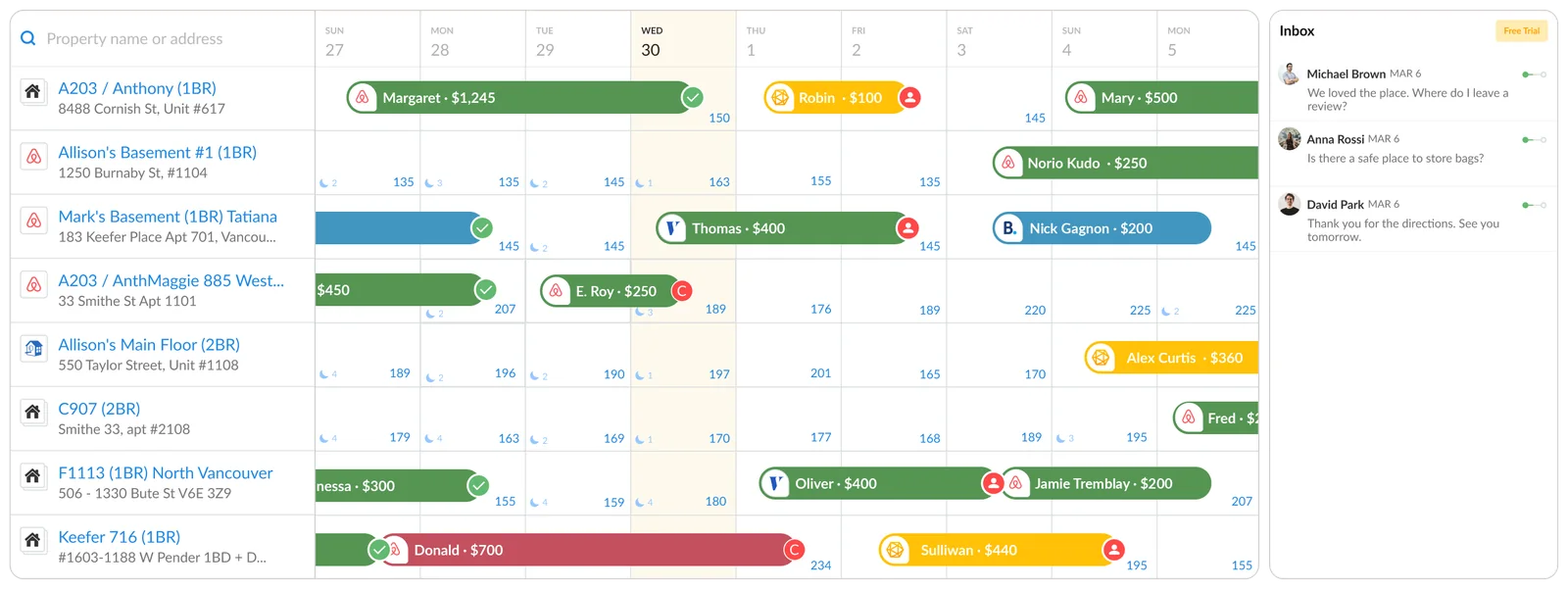
A Vrbo channel manager connects your Vrbo listings to the software that runs your other channels, so rates, availability and bookings stay in step. iGMS connects Vrbo by API, next to Airbnb and Booking.com, for $99 a month for five properties. Two things change when you connect: who processes guest payments, and where you edit the listing.
On this page
- What changes when you connect Vrbo to a channel manager?
- Who processes guest payments after you connect?
- What happens to the Vrbo bookings you already hold?
- How do you connect Vrbo to iGMS?
- Limits: when is Vrbo's own dashboard enough?
- What does iGMS cost with Vrbo connected?
- Questions hosts ask
- Sources and dates
What changes when you connect Vrbo to a channel manager?
Connecting Vrbo to a channel manager moves the daily work out of the Vrbo Owner Dashboard and into your software. Vrbo's integration guide spells out what that means, as of November 2026.
| What | Before | After connecting |
|---|---|---|
| Rates and availability | Edited in the Owner Dashboard | Edited in iGMS and pushed to Vrbo |
| Listing text, photos, house rules | Edited in the Owner Dashboard | Edited in iGMS |
| New bookings | Arrive in the Owner Dashboard | Arrive in the iGMS calendar |
| Guest payments | Processed by Vrbo | Processed through your Stripe account |
| Calendar import by iCal | Up to five calendars per property | Not available for software-managed listings |
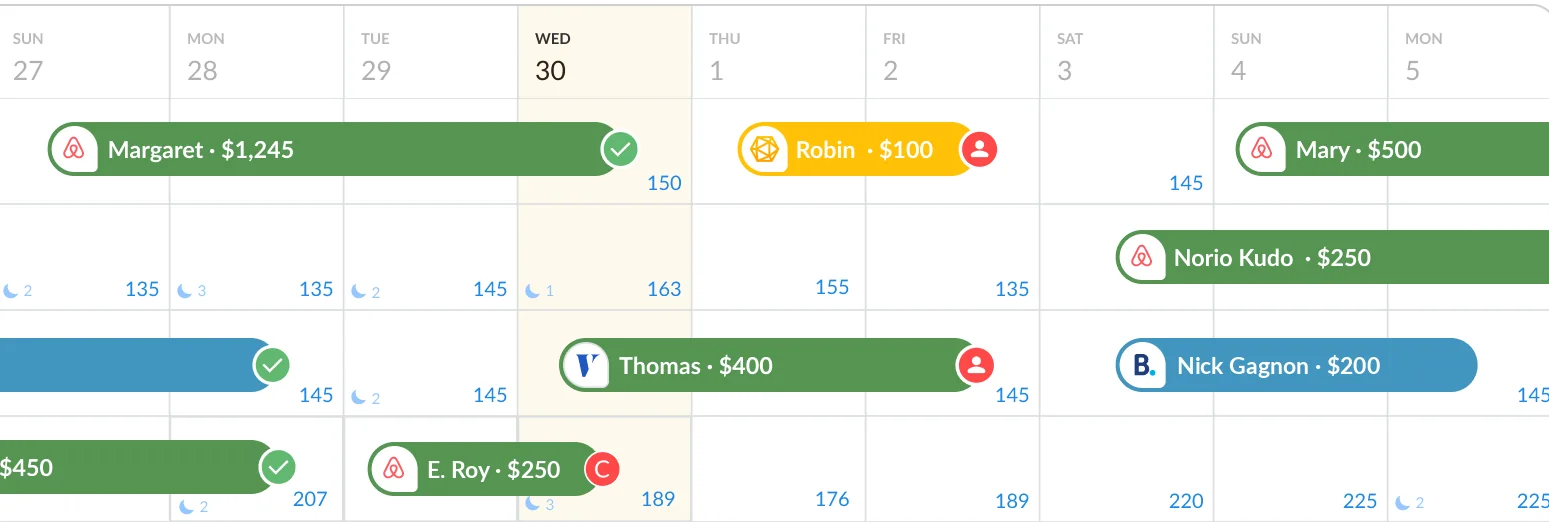
Vrbo says rate and availability updates typically process within a few hours, and listing content usually takes a day or two. Before it sends a booking request, Vrbo checks availability with your software in real time.
Who processes guest payments after you connect?
Guest payments on Vrbo are processed by you, through Stripe, once the iGMS API connection is live. The iGMS Vrbo guide is direct about it: connect a Stripe account to iGMS first, because after the switch Vrbo no longer processes your payments and you become the merchant of record.
Being the merchant of record means you collect the rental amount and you handle tax collection and remittance. Vrbo still charges the guest its own service fee in a separate transaction. For pay-per-booking listings managed through software, Vrbo's guide gives a commission of 12%, invoiced monthly after the guest checks out.
Vrbo's guide also describes a second route, Vrbo Payments, where Vrbo keeps processing payments and taxes, and tells hosts to ask their software provider which route applies. Ask iGMS onboarding that question before you begin, and ask what to do if Stripe is not available where you are: the iGMS guide points to a separate procedure for that case.
What happens to the Vrbo bookings you already hold?
Vrbo bookings confirmed before the connection stay valid, and they have to be entered by hand so that the dates stay closed.
- List every upcoming Vrbo reservation with its dates before you start.
- Create a manual booking in iGMS for each one. The iGMS guide says to do this for the dates of every active reservation, and to add the guest's email only after the manual booking exists.
- Do not record Vrbo as the source of those bookings. Vrbo's guide says to add them as a calendar block only, because naming Vrbo as the reservation source can lead to duplicate commission charges.
- Keep the old records. If you used an earlier Vrbo connection in iGMS, export the reservation data from the Reports tab first; it is not kept after the new connection starts.
Two reassurances from the same guides. Reviews and host status are not affected by the switch. And a reservation made before integration cannot be edited afterwards, so a cancellation of one goes through Vrbo support.
How do you connect Vrbo to iGMS?
Connecting Vrbo to iGMS has three steps in iGMS and one with Vrbo's onboarding team.
- Create the Vrbo account in iGMS. Open Accounts & Listings, click Connect Account, choose Vrbo, and enter your business name with the default booking type, cancellation policy and house rules.
- Create or copy the listing. Build a new Vrbo listing in iGMS, or open a property you already manage there and use Publish Listing on Vrbo.
- Fill in Vrbo's onboarding form. You sign Vrbo's listing agreement and give Vrbo a credit card for commission billing.
- Tell Vrbo which case you are. Switching from another PMS, activating a new Vrbo account, or moving an account you managed on Vrbo itself are three different requests. Give Vrbo the Advertiser ID that iGMS shows under the Vrbo account name.
A Vrbo onboarding specialist then maps your listing IDs, enables the feed and tests it. Vrbo's onboarding page lists what each listing needs first: a headline of at least 20 characters, a description of at least 400, six photos, an address, rates, a calendar and a cancellation policy.
Limits: when is Vrbo's own dashboard enough?
Vrbo's Owner Dashboard is enough for one property that sells only on Vrbo. It also suits a host who wants Vrbo to keep processing payments and does not want a Stripe account.
For a second channel without a channel manager, Vrbo's calendar import accepts up to five iCal calendars per property and shows events for the next 365 days. An iCal link copies blocked dates only; it does not carry rates, messages or booking details, and Vrbo switches the import off for listings managed through software. Our guide to syncing Airbnb and Vrbo calendars walks through that route.
What does iGMS cost with Vrbo connected?
iGMS includes the Vrbo connection in every plan, along with Airbnb and Booking.com. PRO is $99 a month for five properties, which is $19.80 each, and $174 for ten on monthly billing; on annual billing it is $87 and $150, as of November 2026. Vrbo does not charge a fee to integrate software with your listings.
For that price you get the channel manager, one inbox for guest messages, message templates on a schedule and cleaning tasks for your team, with guided one-to-one onboarding on PRO. The iGMS app holds 4.7 out of 5 from 613 ratings on the US App Store, read on 13 November 2026.
What iGMS costs for
Published prices in US dollars from the iGMS pricing page, read 12 November 2026. A total is the per-property price times the number of properties. A third plan, FLEX, is paid per booked night with a minimum of $20 per property a month. Every plan starts with a 14-day trial; no credit card.
Start freeConnecting Booking.com as well? See the Booking.com channel manager page.
Questions hosts ask
Does Vrbo charge to connect a channel manager?
Vrbo does not charge a fee to integrate software with your Vrbo listings, according to its integration guide in November 2026. The software provider sets its own price, and Vrbo's commission on bookings still applies.
Who collects the guest's payment after integration?
With the iGMS API connection, you collect the guest's payment through your own Stripe account as merchant of record, and Vrbo charges its traveler service fee separately. Vrbo also describes a Vrbo Payments route; ask iGMS onboarding which applies to your account.
Can I still edit my listing in the Vrbo Owner Dashboard?
After integration you cannot edit availability, bookings or rates in the Vrbo Owner Dashboard, and Vrbo says listing edits should be made in your software. Vrbo can restore dashboard editing on request, and says it does not recommend that setup.
Will I lose my Vrbo reviews when I switch software?
Reviews and host status are not affected by switching the connection to iGMS, according to the iGMS Vrbo guide. Existing reservations stay valid and are entered in iGMS as manual bookings.
How long does Vrbo onboarding take?
Vrbo says self-service onboarding is usually completed within 24 hours, and that onboarding with an account manager usually takes up to five business days. Listings that miss the minimum content take longer.
Sources and dates
The iGMS connection described on this page comes from iGMS's own documentation, and the Vrbo rules from Vrbo's help pages, read on 13 November 2026. iGMS publishes the page and sells the product.
- iGMS help centre: connecting a Vrbo account by API, read 13 November 2026
- Vrbo help: software integration, connecting your software and importing a calendar, read 13 November 2026
- iGMS pricing, read 12 November 2026
- iGMS on the US App Store, read 13 November 2026