Facebook Ads for Vacation Rentals: How to Get More Direct Bookings

Facebook is one of the few places where you can reach future guests before they ever open Airbnb or Vrbo. This guide covers how to use your Facebook page, groups, Marketplace, and Facebook ads for vacation rentals to bring in more direct bookings.
Key Takeaways
- Meta's apps reach about 3.6 billion people a day, so your next guests are almost certainly already scrolling Facebook and Instagram.
- Start free: set up a vacation rental Facebook page, post consistently, and join the right groups before you spend a cent on advertising.
- Facebook ads for vacation rentals work best when you target by location and travel intent, then retarget people who visited your site but didn't book.
- Always send ad clicks to your own direct booking website, not an OTA listing, so you skip OTA fees and own the guest relationship.
- Install the Meta Pixel before your first campaign. Without it, you can't measure cost per booking or build retargeting audiences.
Why Use Facebook for Vacation Rentals?
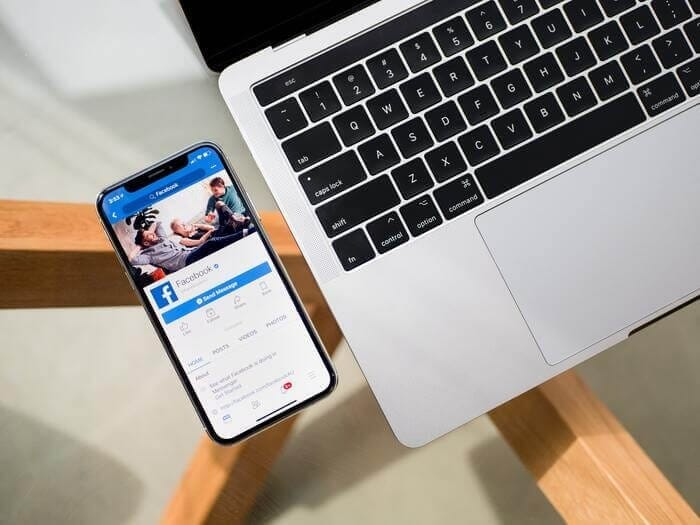
Facebook for vacation rentals means using Meta's free and paid social media tools to put your property in front of travelers. That includes a business page, host and travel groups, Facebook Marketplace, and paid ads that run on Facebook, Instagram, and Messenger. The goal is simple: more guests booking direct, with fewer OTA fees.
The audience is huge. Meta reported an average of 3.60 billion daily active people across its family of apps in June 2026, according to its Q2 2026 results. And people don't only use social media to socialize. They plan trips there, ask friends for recommendations, and check out a business's page before they trust it with a booking.
For owners of short-term rentals, that adds up to three big wins:
- Lower fees. Every guest who books on your own site is a guest you don't share with Airbnb or Vrbo.
- A guest list you own. Followers, past guests, and site visitors become an audience you can market to again.
- Trust. A real page with photos, reviews, and replies makes your direct booking website feel safe to book.
Facebook works best as one part of a wider marketing plan that also covers other platforms. Our guide to vacation rental advertising has more tips on the channels worth your time.
How to Set Up a Facebook Page for Your Vacation Rental
Before you think about Facebook advertising, you need a home base. A dedicated vacation rental Facebook page is free, it's what guests check when they're deciding whether you're legit, and Meta requires a page to run ads in Ads Manager.
Create the page
You'll need a personal Facebook profile first, since every page is managed by a real person. Then create a page for your property or your rental business.
When you pick a name, go with something that describes your place well, the same way you'd name an Airbnb listing. "Blue Heron Lake House" tells people more than "Smith Rentals."
Fill in the basics:
- Your location and service area
- A short description of the property and the amenities on offer
- Your contact details and how to make a booking
- A Book Now action button that links straight to your direct booking website
Upload high-quality photos
Add a profile picture and a cover photo. These can be shots of the property, or of you, so guests can put a face to a name. Then post a few high-quality photos of the interior and exterior, so first-time visitors have something to look at.
Connect Instagram
Link your Instagram account to the page in Meta's Accounts Center or Meta Business Suite. That lets you manage messages and ads for both platforms in one place, which matters once you start paying for reach.
What to Post on Your Vacation Rental Facebook Page
A page with three posts from 2023 does more harm than good. Aim for a steady rhythm, even if it's just once or twice a week. Here are some ideas that work for vacation rentals:
- Highlight events and things to do in your area, like festivals, trail openings, or the best taco spot in town
- Show the lifestyle guests can expect, not just the rooms: morning coffee on the deck, a sunset from the hot tub
- Share specials and discounts, especially for slow weeks
- Post short videos and photo carousels of the property and the area
- Share glowing guest reviews (with permission)
- Share news, like a new grill, a renovated bathroom, or open dates for next summer
Encourage guests to tag your page
When guests stay with you, they'll more than likely post photos from their trip. Ask them, in your check-out message or welcome book, to tag your page. Their friends see the tag, click through, and find you. That's free word-of-mouth marketing.
Keep communication fast and friendly
Comments, reactions, and Messenger questions are all signals that someone is interested. Reply quickly, leave reactions on comments, and reshare posts where guests mention you. Communication should stay sharp from the first message all the way through check-out.
Doing that by hand across Facebook, Airbnb, and Vrbo gets messy fast. Vacation rental software like iGMS helps you automate guest communication, so no inquiry sits unanswered.
How to Use Facebook Groups for Vacation Rental Hosts
Facebook groups are online community spaces built around a shared interest, and there are two very different kinds worth knowing about.
Host groups are for learning. In Facebook groups for vacation rental hosts, experienced hosts advise newer ones, share industry news, and offer support to anyone who knows exactly what a 2 AM lockout feels like. They're not for promoting your listing.
Destination and travel groups are where guests hang out. Search for "[your area] vacation rentals by owner" and you'll usually find local groups where travelers look for places to stay. Some allow listings on certain days or in dedicated threads. Others don't allow self-promotion at all.
Don't be spammy
Well-moderated groups don't allow spammy self-promotion, and simply dropping your listing link in every group won't get you results. If a group allows constant promo posts, it's usually a sign that it's poorly moderated and lacks real engagement.
What works instead: read the rules, answer questions, share local tips, and build visibility as the helpful local. When someone asks for a place to stay in your area, you'll already be a familiar name.
Top Facebook groups for vacation rental hosts
Here are some of the most active groups for short-term rental hosts to learn from and share insights with:
- Airbnb - VRBO - Booking.com | Professional Hosts, one of the largest host groups, with over half a million members
- Superhost Tips and Tricks: Airbnb - Vrbo - Short Term Rentals
- Short Term Rental University
- Airbnb Hosts Helping Hosts (STR, VRBO, BOOKING)
- Airbnb's Finest Hosts
- Holiday Rental Owners Network
- Airbnb Host Community UK
- Airbnb Hosts UK Chat Group
How to List a Vacation Rental on Facebook Marketplace
Facebook Marketplace is where people buy, sell, and rent things locally, and it has a section for property rentals. Listing there is free, and good photos plus a well-written description can put your place in front of a wider audience.
Here's how to list a vacation rental on Facebook Marketplace:
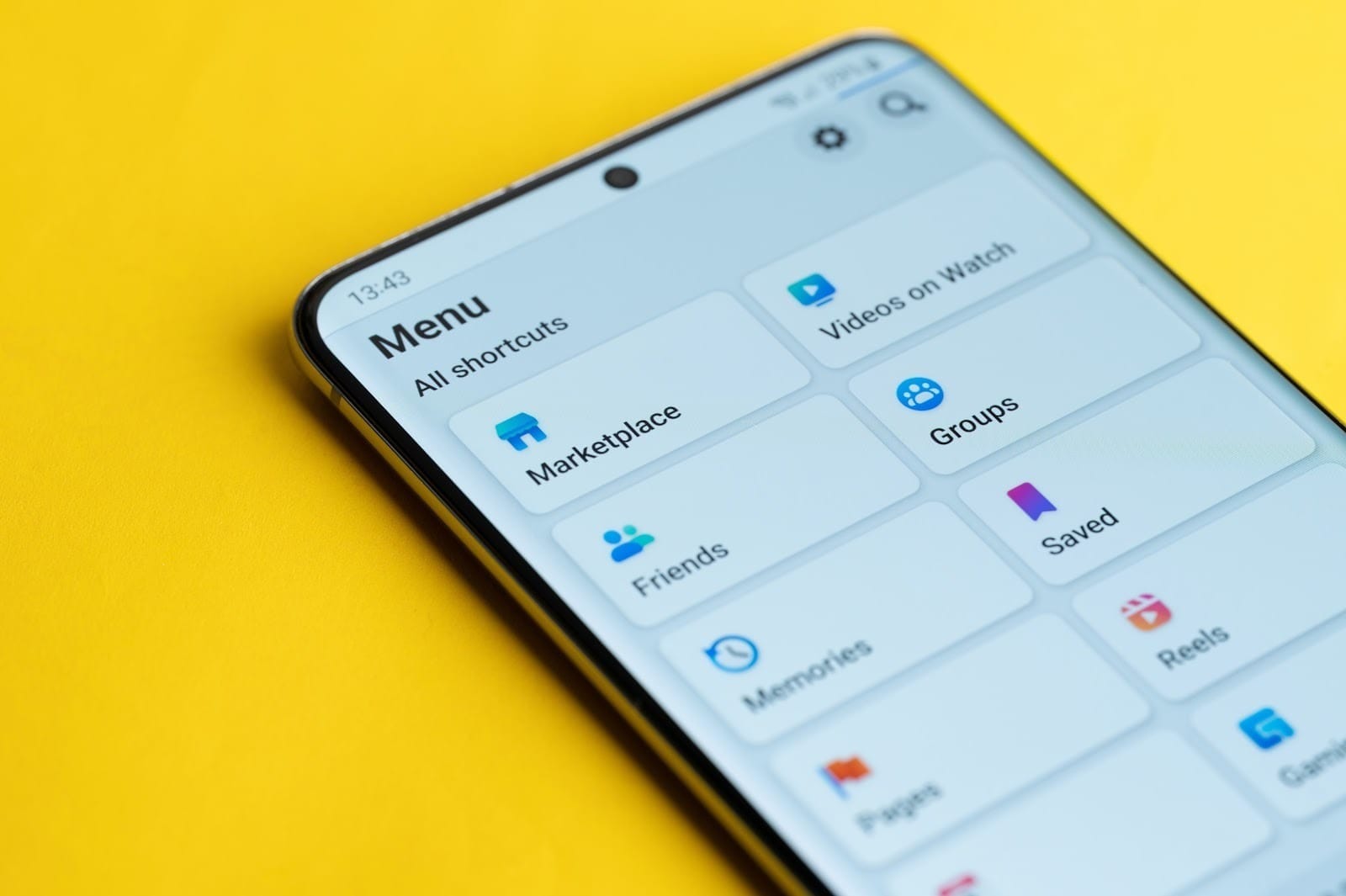
- Open Marketplace from the Facebook menu and select Create new listing.
- Choose the Home for Rent listing type.
- Upload clear, bright photos of every room, the exterior, and key amenities.
- Add the property type, bedrooms, bathrooms, price, and location.
- Write a description that covers the stay details, including minimum nights, and links to your booking page.
- Publish, then reply to messages quickly.
One thing to know: Marketplace rentals are built around long-term leases, so the price field assumes monthly rent. That makes Marketplace a better fit for mid-term and monthly stays than for short-term rentals of a night or two. If you list nightly stays, spell out the nightly rate in the description.
Marketplace also has a reputation problem with rental scams, so renters are cautious. Win their trust by linking to your real website, keeping payments on a secure booking platform, and never asking for wire transfers.
How Do Facebook Ads for Vacation Rentals Work?
Organic posts are free, but their reach is limited. Facebook ads for vacation rentals let you pay to reach people who've never heard of you, based on where they live, what they're interested in, and how they've interacted with your business before.
It's a form of paid social media advertising, so you'll need a marketing budget. In return, you control who sees your ad, where it runs, and how much you spend.
Campaign objectives
Every Facebook ads campaign starts with an objective in Meta Ads Manager. There are six: Awareness, Traffic, Engagement, Leads, App promotion, and Sales. For most hosts:
- Traffic sends people to your booking site, and it's a good place to start while you collect data.
- Sales optimizes for actual reservations, once your Meta Pixel is tracking them.
- Engagement builds reactions, comments, and shares, which is handy for growing a new page.
- Leads works if you're building an email list with a giveaway or a "get our best rates" offer.
Targeting options
Meta gives you several ways to find the right people:
- Location and travel intent. Target the feeder markets your guests come from, like the cities within a few hours' drive of your area.
- Interests and demographics. Think about hiking, skiing, family travel, pet-friendly trips, or whatever fits your property type.
- Custom audiences. Retarget past website visitors, people who engaged with your page, and your past guest list.
- Lookalike audiences. Find new people who look like your past guests.
Meta now leans heavily on Advantage+ audience, which uses your inputs as suggestions and lets the algorithm find buyers. Since 2025, Meta has also removed detailed targeting exclusions for new ad sets, so you can't exclude interests the way you used to.
A quick note on the Housing category
Meta requires a "Housing" special ad category for ads about home sale and rental listings, and that category limits targeting (no lookalikes, a 15-mile minimum location radius, and no age or gender narrowing). Meta's help center says hotels and resorts aren't covered. Nightly vacation rentals are a gray area, so if you're advertising monthly or mid-term rentals, play it safe and pick the Housing category.
How to Set Up a Facebook Ads Campaign
Interested in seeing whether Facebook ads will work for your rental business? Here's how to set up a campaign in Meta Ads Manager:
- Install the Meta Pixel on your website. The Pixel tracks page views, date selections, and reservations, so you can measure results and retarget visitors. If you use an iGMS booking website, you can add the Meta Pixel through Google Tag Manager without touching any code.
- Choose your objective. Traffic to start, Sales once you have booking data.
- Pick your audience. Set locations, ages, and interests, or add a custom audience of past visitors.
- Choose placements. Your ads can show on Facebook, Instagram, Messenger, and the Audience Network. Advantage+ placements let Meta decide where they perform best.
- Set your budget and schedule. Choose a daily or lifetime budget, plus how long the campaign runs.
- Create your ad. Pick a format (single image, video, or carousel), write your copy, and add a clear call to action button like Book Now.
- Add your link and publish. Point the ad at a booking page, add your payment method, and go live. Then track results in Ads Manager.
Do I need a Facebook page to run Instagram ads?
In most cases, yes. Ads Manager asks you to connect a Facebook page in the Identity section of every ad, even if you only run Instagram placements. The one exception: Instagram lets businesses boost their first post from the Instagram app without a Facebook page. After that, you'll need one.
The upside is that once your page and Instagram account are connected, you can create and manage ads for both in one place.
Tips for Running Successful Facebook Ads for Vacation Rentals
If you're going to spend your hard-earned money, it pays to follow a few best practices.
Lead with visuals
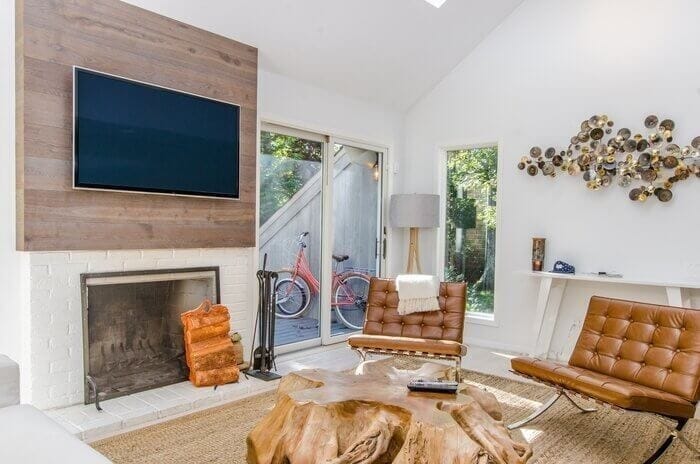
Use high-quality imagery and video of the property and local attractions. Scroll-stopping visuals earn more reactions and shares, which helps your advertising reach more people for less. Carousel ads are a great fit for vacation rentals, since each card can show off a different amenity: the pool, the game room, the view, the walk to the beach. Sell the experience guests will have, not just the floor plan.
Highlight what makes you different
Every ad should answer "why this place?" in a second or two. Pet-friendly with a fenced yard, sleeps 12, steps from the ski lift. Your unique selling points are what attract the right guests.
Create urgency (honestly)
Limited-time offers work. "Book your fall weekend by Friday and save 10%" gives people a reason to act now. Just make sure the discount is real.
Retarget people who didn't book
Most people won't book on their first visit. Retargeting ads remind past website visitors who showed interest but didn't complete a booking. It's often the cheapest booking you'll get, and it's only possible with the Pixel in place.
Send clicks to your direct booking website, not an OTA
Ad links should go to a dedicated landing page on your own site, with clear pricing and availability. (Our guide to building a direct booking website walks you through it.) Sending paid traffic to an Airbnb or Vrbo listing means you pay for the click and then pay service fees on the booking. A good vacation rental website design does a lot of the converting for you.
Start small and track the right numbers
Don't spread a small advertising budget over too many ads. Run a few strong ones, then measure:
- Cost per booking: total ad spend divided by bookings
- Booking conversion rate: bookings divided by website clicks
- Revenue per booking: so you know whether each campaign actually pays off
When a campaign works, invest more in it. When it doesn't, change one thing (the image, the audience, or the offer) and test again.
FAQs About Facebook for Vacation Rentals
How do I advertise my vacation rental on Facebook for free?
Create a dedicated Facebook page, post photos and local tips regularly, and ask guests to tag you. Join destination groups that allow listings, and list your property on Facebook Marketplace. Paid advertising speeds things up, but these free steps build the foundation.
Is $10 a day enough for Facebook ads?
It's enough to start testing. You set your own daily budget in Meta Ads Manager, and a small budget can show you which images and audiences get clicks. Just give a campaign enough time to collect data before you judge it.
Can I post my Airbnb listing on Facebook?
Yes, you can share your listing link on your page or in groups that allow it. But Airbnb doesn't allow hosts to take an Airbnb booking off-platform, so use Facebook to build your own audience and send new guests to your direct booking site instead.
Are there Facebook groups specifically for Airbnb hosts?
Yes. Some of the largest are Airbnb - VRBO - Booking.com | Professional Hosts, Superhost Tips and Tricks, and Short Term Rental University. They're great for advice, but most don't allow you to promote your listing.
Turn Facebook Clicks Into Direct Bookings With iGMS
Facebook can fill your calendar, but only if the clicks land somewhere that converts. A pretty ad that sends guests to a slow site, or to an OTA listing that takes a cut, wastes your budget.
That's where iGMS comes in. On the PRO and PRO+ plans, you get a bookable direct booking website with Stripe-powered payments and Google Tag Manager support for your Meta Pixel. Our channel manager keeps your calendar synced with Airbnb, Vrbo, and Booking.com, so a Facebook booking never turns into a double booking. And automated messaging keeps every guest informed, day and night.
Want more ways to fill the calendar for your short-term rentals? See our full Airbnb marketing strategy guide.