How to List on Google Vacation Rentals in 2026
Google Vacation Rentals accepts eligible property-management businesses with direct-booking websites and rentals listed on booking sites already integrated with Google. For a host choosing a connection route, start with Google’s eligibility guide and its connectivity partner list, which includes iGMS. Check the property and booking website before treating a software connection as ready to submit.
Last reviewed 13 November 2026 by Rustam Timkanov, iGMS
iGMS, a vacation rental PMS and channel manager, publishes this guide and is one of Google's connectivity partners.
Check the route before connecting a property
- Read Google’s eligibility criteria for the property and business.
- Identify whether the property already reaches Google through an integrated booking site.
- Compare the booking website and connection requirements with the chosen provider.
Key takeaways
- Google Vacation Rentals is a metasearch engine, not an OTA like Airbnb or Vrbo: travelers book on the site Google sends them to.
- Google takes no fee for referrals or bookings.
- Google lists registered property management businesses with a direct booking website, and rentals already on a booking site that is integrated with it. Shared rooms, partial houses and peer-to-peer rentals are not eligible.
- There are three ways in: a booking site that is already integrated, a direct integration with Google, or a connectivity partner such as iGMS.
Google shows vacation rentals inside Search, Maps and Travel, next to the organic results, and links each one to a site where the traveler books.
The thing many hosts get wrong about Google Vacation Rentals is this: your rental may already appear there, because Google also shows listings from booking sites that are integrated with it.
This guide covers who is eligible, the three routes, and the steps to list through your own booking website, where the guest books with you.
How Google Vacation Rentals Work for Hosts
Google Vacation Rentals isn't just another booking platform. It’s a metasearch engine that aggregates vacation rental listings from various sources.
Listings appear alongside the organic search results when people look for a place to stay in your area.
Travelers can search and book vacation rentals either by being redirected to popular booking platforms or directly, through your website.
Google expects the prices and availability it shows to match the booking website. Its integration guide scores each partner on price accuracy, and an account has to stay above the threshold to be shown.
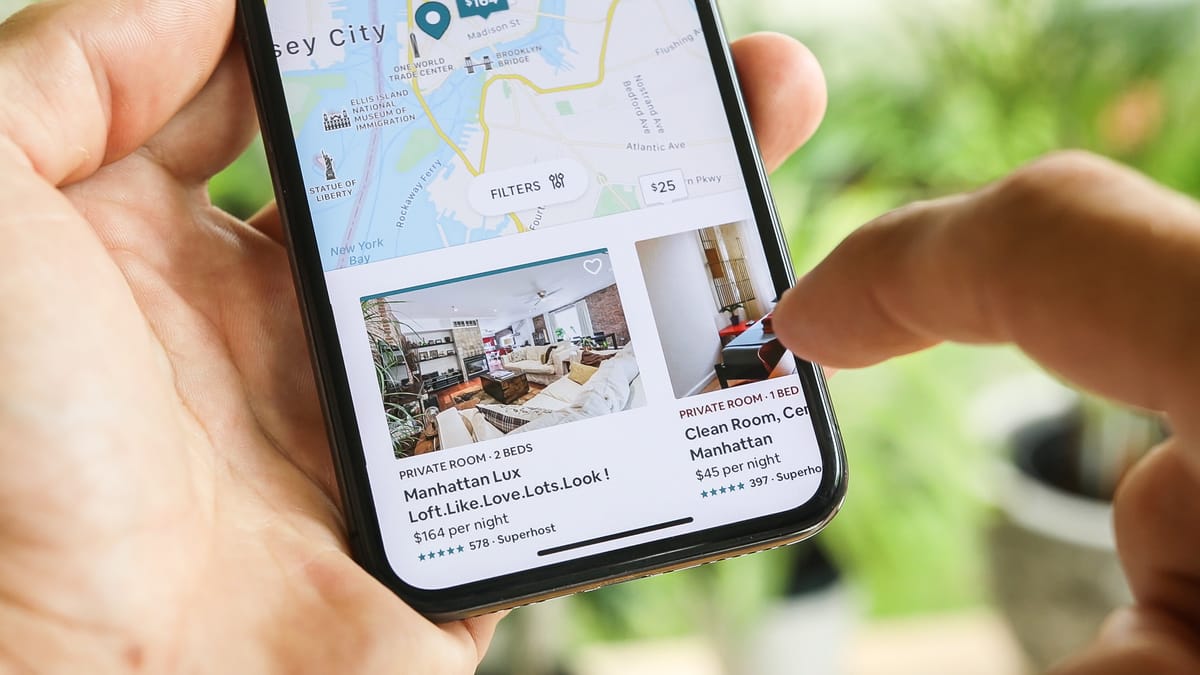
People searching for vacation rentals on Google will see property images and descriptions, nightly rates and availability, guest reviews, and a direct link to book through the host’s website or an OTA.
How Google Vacation Rentals Shows Up in Search
On this popular search engine, Google Vacation Rentals appear when a user searches vacation rentals, for example, “vacation rental in Miami.”
Travelers can narrow the results. Google's overview names these filters:
- Price
- Property type
- Occupancy
- Amenities
- Guest rating
People can easily compare properties, photos, and prices on a dedicated vacation rentals tab just like on any platform.
How Are Google Vacation Rentals Different from OTAs
Google Vacation Rentals acts as a metasearch engine and does not process bookings or charge commissions. OTAs process bookings directly, handle guest payments, listings, and provide customer support.
Here's the complete table to compare:
Advantages of Adding Your Property to Google Vacation Rentals
Google Vacation Rentals is most useful to hosts who take direct bookings on their own website, because the booking link can lead there.
Keep in mind that if Google simply pulls your listing from Vrbo or other third-party websites, you’ll still pay the regular commissions charged by those platforms.
GVR offers several advantages:
- No fee from Google: its overview says there are no fees for Google-generated referrals or bookings.
- The booking link can lead to your own website when you list through a connectivity partner such as iGMS.
- Your prices, availability and property details come from your own system.
- Listings appear in Google Search, Google Maps and Google Travel.
Who is Eligible to List on Google Vacation Rentals
Google's starter guide says you can list vacation rentals if you are a registered property management business with a direct booking website, or if you are already listed on a booking site that is integrated with Google.
Google reviews each partner's eligibility, may ask for more information to verify the business, and can reject or end a partner's participation.
A smaller business can work with one of Google's connectivity partners, and iGMS is on that list. The partner sends the property details, prices and availability to Google.
On iGMS, you also create a direct vacation rental website, which serves as the landing page for accepting reservations through GVR.
Who Can't Get Listed on Google Vacation Rentals
Google's starter guide names three kinds of inventory that are not eligible:
- Shared rooms
- Partial houses
- Peer-to-peer rentals

3 Ways to Be Listed on Google Vacation Rentals
#1 Through OTAs
A rental listed on a booking site that is integrated with Google can appear there without extra work from you. The booking is made on that site, so its usual commission applies.
# 2 List directly
A direct integration is a technical project. Google's integration guide asks for a technical contact, a signed contract with Google and user support, plus a property feed, prices and a landing page. You start with Google's interest form.
# 3 With a Google connectivity partner
For a host or a small manager, the practical route is software that is already a Google connectivity partner, such as iGMS. The iGMS help article says the integration can publish any property you list on your iGMS direct booking website; Google still reviews what it shows.
Use iGMS to Publish Your Direct Booking Website on Google Vacation Rentals
Listing on Google Vacation Rentals with iGMS takes three steps, described in the iGMS help article.
1. Create a Direct Booking Website
An iGMS direct booking website is required for this route. You create it in the Websites section on a desktop computer, and the website guide has the steps. The bookable website is part of the PRO and PRO+ plans.
For the choices behind the site itself, read how to build a direct booking website.
2. Publish Your Properties on the Vacation Rental Website
Only properties published on your direct booking website are sent to Google. In Websites, choose the website, open Published Properties and tick the box next to each rental.
3. Turn on Google Vacation Rentals Integration
Go to Websites, click Open next to Vacation Rentals and turn on Display brand properties on GVR. A red exclamation mark shows next to any listing that does not meet the requirements below.
If you are choosing software for the booking website behind that connection, compare Lodgify and Hospitable for direct-booking workflows and check the required plan before deciding.
Google Vacation Rentals listing requirements
Google Vacation Rentals listing requirements have to be met before a property can be published. In iGMS, each property needs:
- A full address: postal code, city, country and province, with the map pin in the right place
- A phone number
- A description of at least 50 characters
- At least 8 photos
- A maximum guest count
- A logo on the website, added under Settings, then Your Brand
Google's own rule on photos goes further. Its integration guide blocks listings with fewer than 5 images, recommends at least 8, with a bedroom, a bathroom and a common area among them, and says 20 or more give a competitive advantage.
Make sure you:
- Use relevant keywords
- Include high-quality photos
- Provide detailed descriptions of all amenities
- Keep your prices accurate
- Complete as many property attributes as possible
Keep the price on your website the same as the price sent to Google: its integration guide checks one against the other.

FAQ
Can I see reports on bookings from Google Vacation Rentals?
Yes, you can see reports on bookings from Google Vacation Rental. If you're using iGMS to connect to Google Vacation Rentals, you can track booking reports and other metrics directly in your dashboard.
Can individual property owners list directly on Google Vacation Rentals?
An individual owner cannot create a listing on Google Vacation Rentals directly. Google lists registered property management businesses with a direct booking website, and rentals that are already on an integrated booking site or come through a connectivity partner.
What iGMS plans include Google Vacation Rentals integration?
Publishing to Google Vacation Rentals needs an iGMS direct booking website, and the pricing page lists the bookable website in the PRO and PRO+ plans. For five properties, PRO costs $99 a month on monthly billing (5 × $19.80, as of November 2026). The iGMS help article says publishing to Google carries no additional fee.
Do I need a Google Business Profile account to appear on GVR?
No, you don’t need a Google Business Profile to appear on Google Vacation Rentals.
Does listing on Google Vacation Rentals cost anything?
Google says its free booking links carry no fee for Google-generated referrals or bookings. That statement concerns Google’s fees; check your chosen software provider’s terms separately before budgeting for the connection and website.
Sources and dates
We read Google's pages and the iGMS help center on 13 November 2026. iGMS publishes this guide and sells the software described in it. Google decides which listings it shows; nothing here is a promise that a listing will be accepted.
- Google: starter guide, overview and fees, connectivity partners and the integration guide
- iGMS help center: publishing on Google Vacation Rentals and creating a direct booking website
- iGMS pricing, read 13 November 2026
About the Author
Zorica Milinkovic is a B2B SaaS writer who is passionate about psychology, marketing, and, when inspiration strikes, cooking. You can find her on LinkedIn.